

Configure Quill Portal Access
Follow this step-by-step guide to securely set your password, log in to your account, and complete two-factor authentication to protect your details. Once verified, you'll have full access to the Quill Group Portal, where you can view requests and manage your information in one secure place.
Step 1 of 10
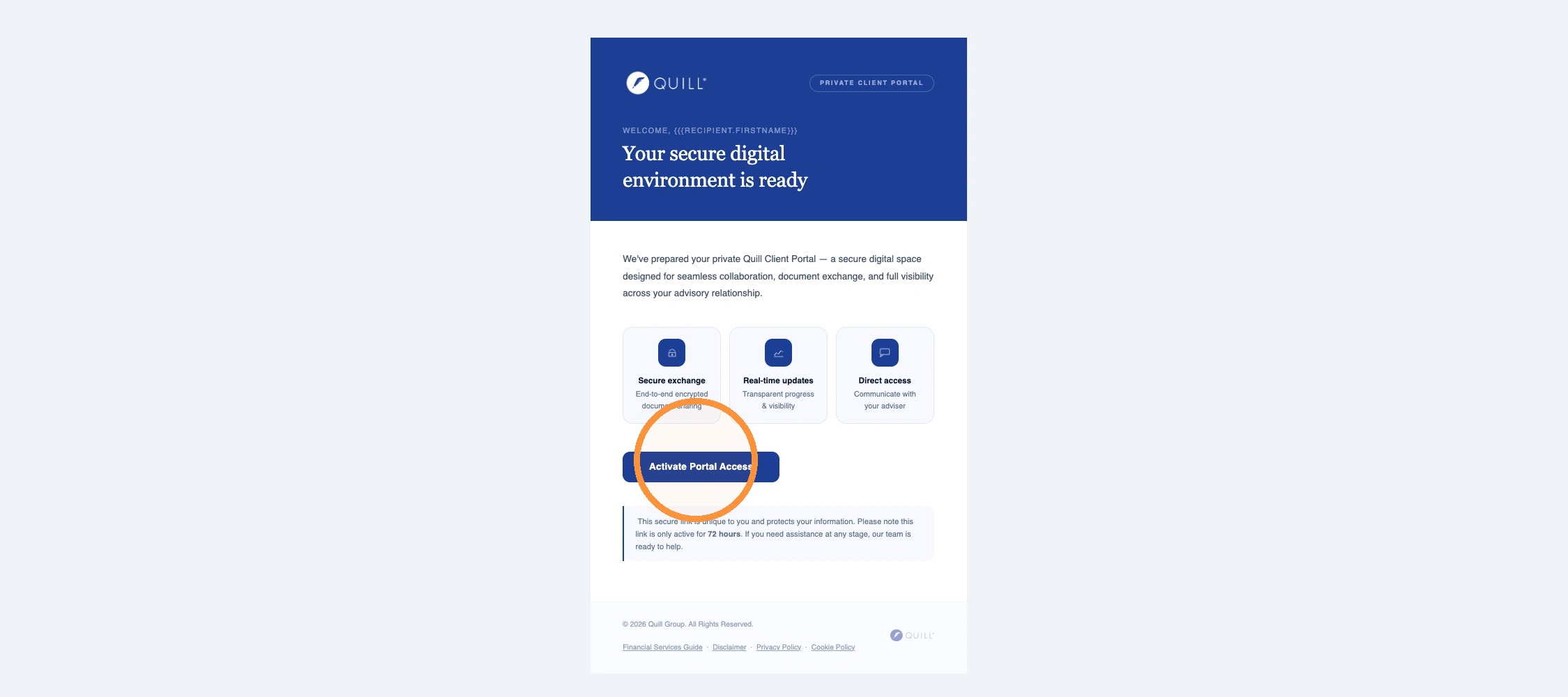
You will receive an email from Quill Group. Click the “Activate Portal Access” link in the email.
Step 2 of 10
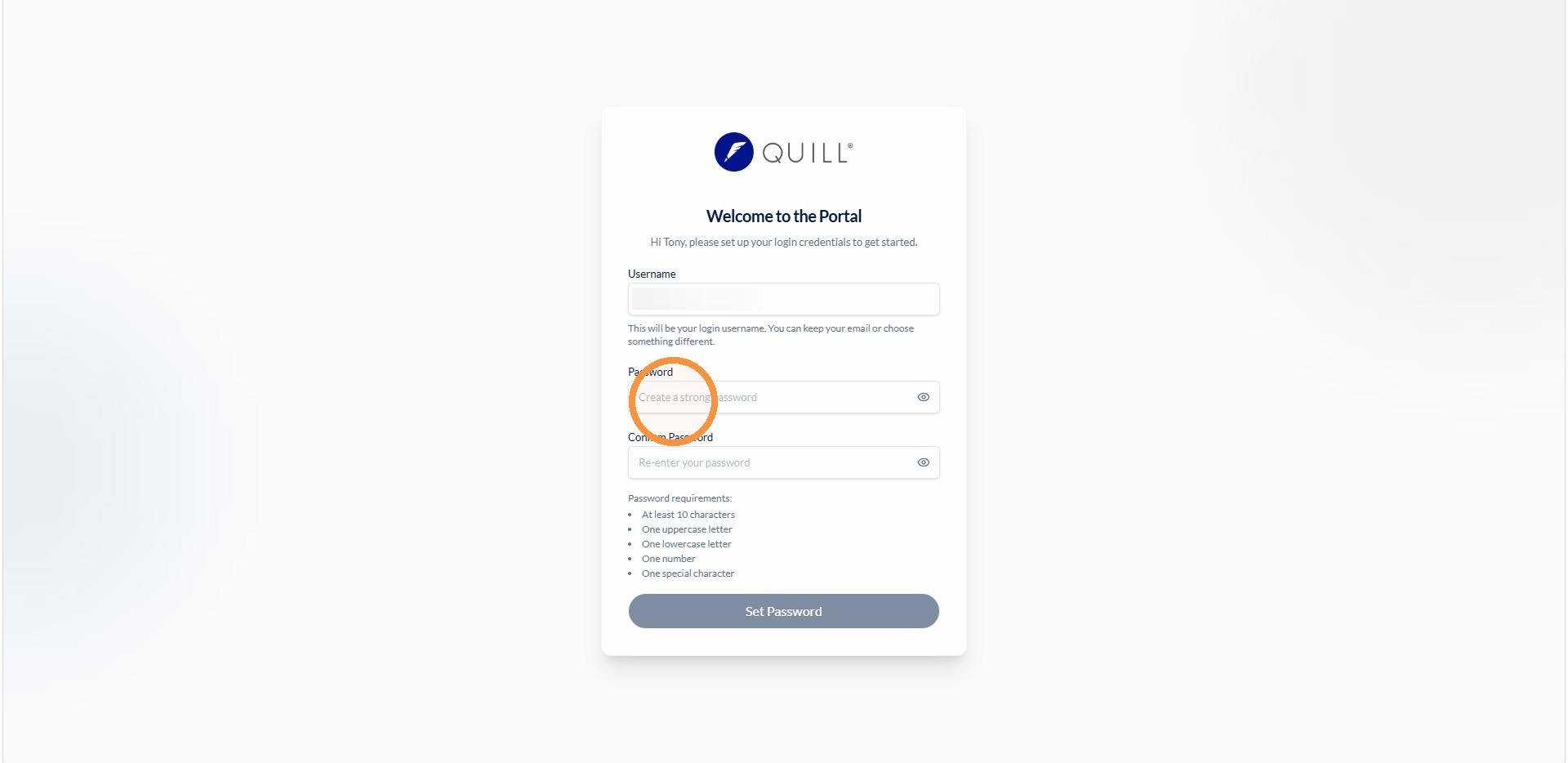
Enter your preferred password and confirm.
Step 3 of 10
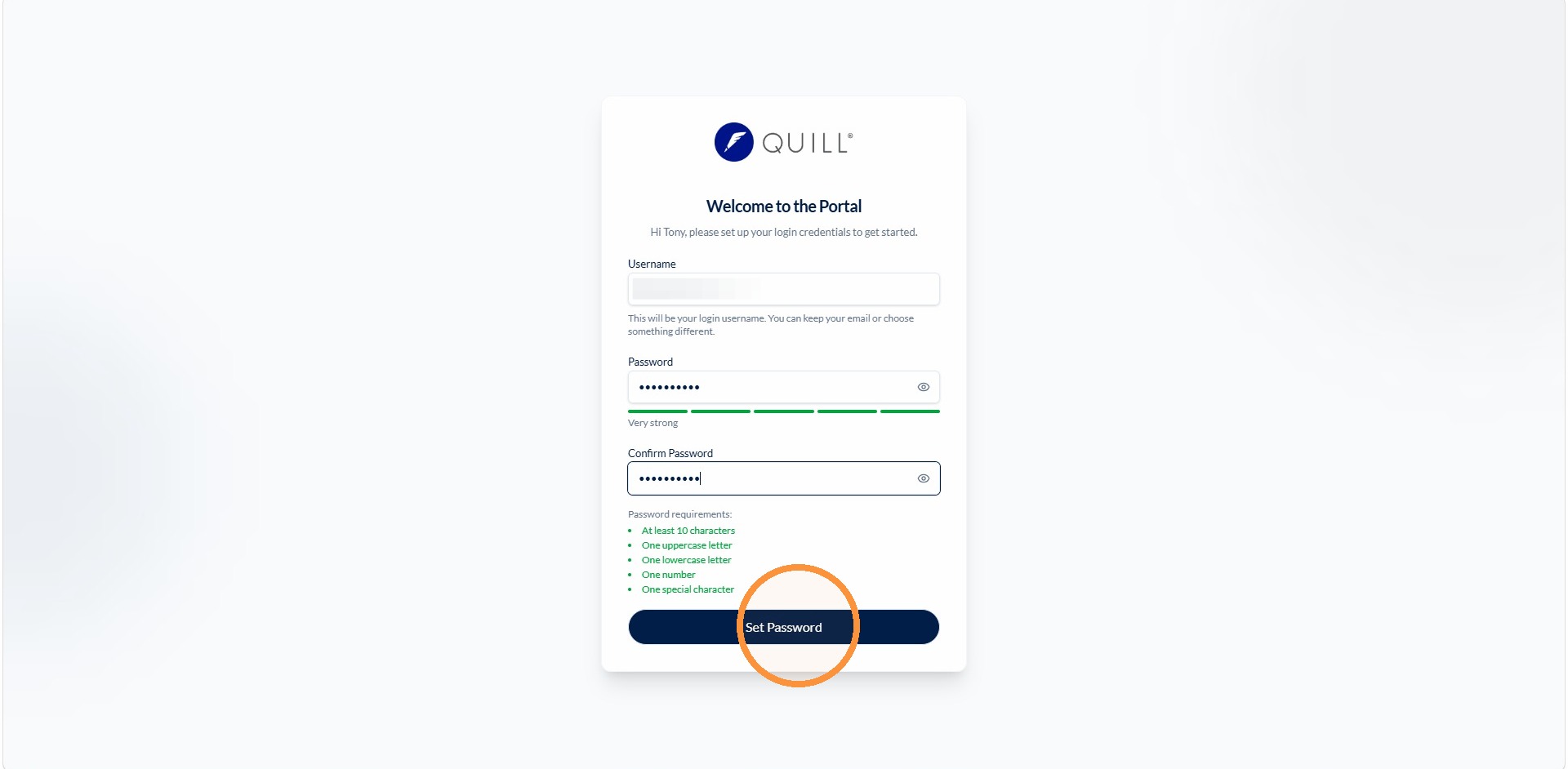
Click Set Password.
Step 4 of 10
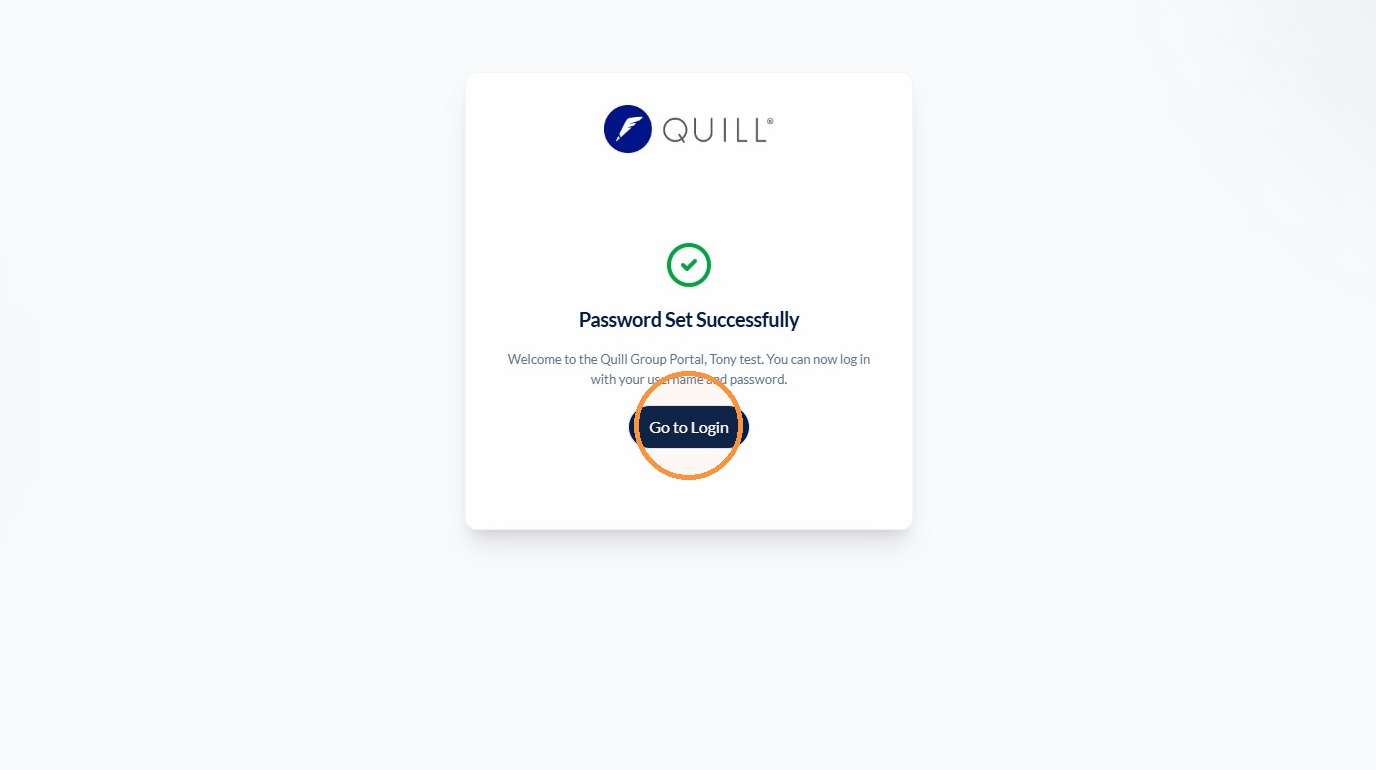
Click Go to Login.
Step 5 of 10
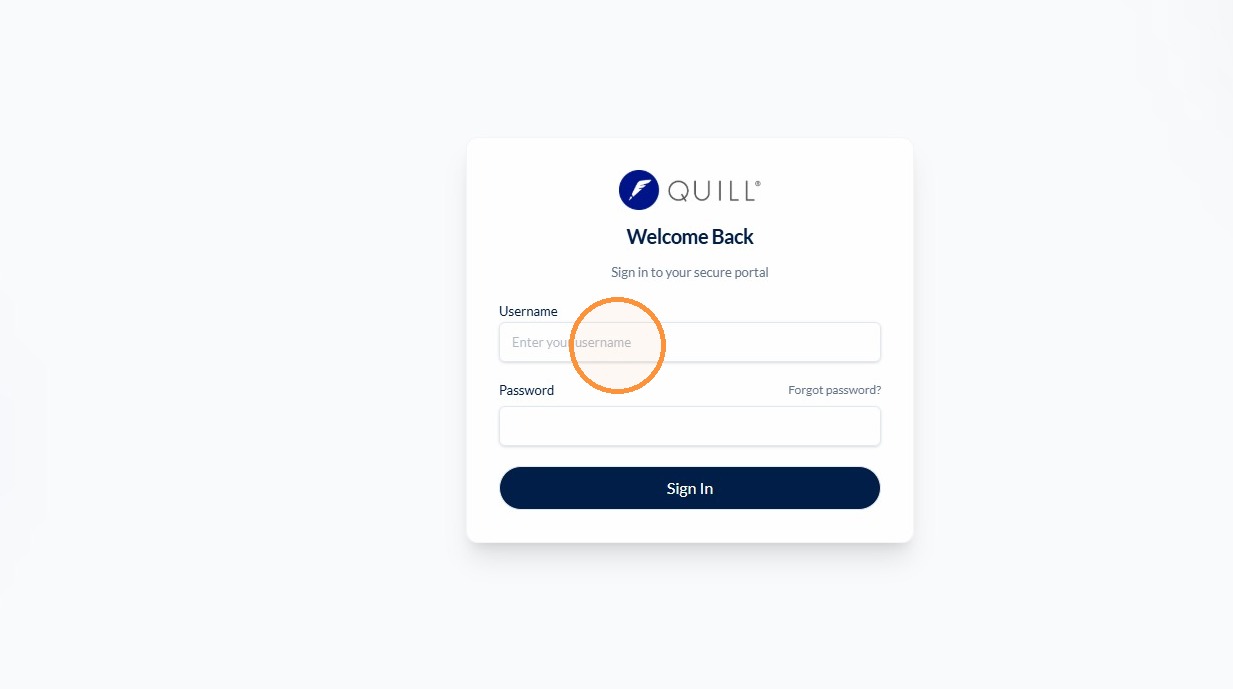
Click the Username field and enter your email address.
Step 6 of 10
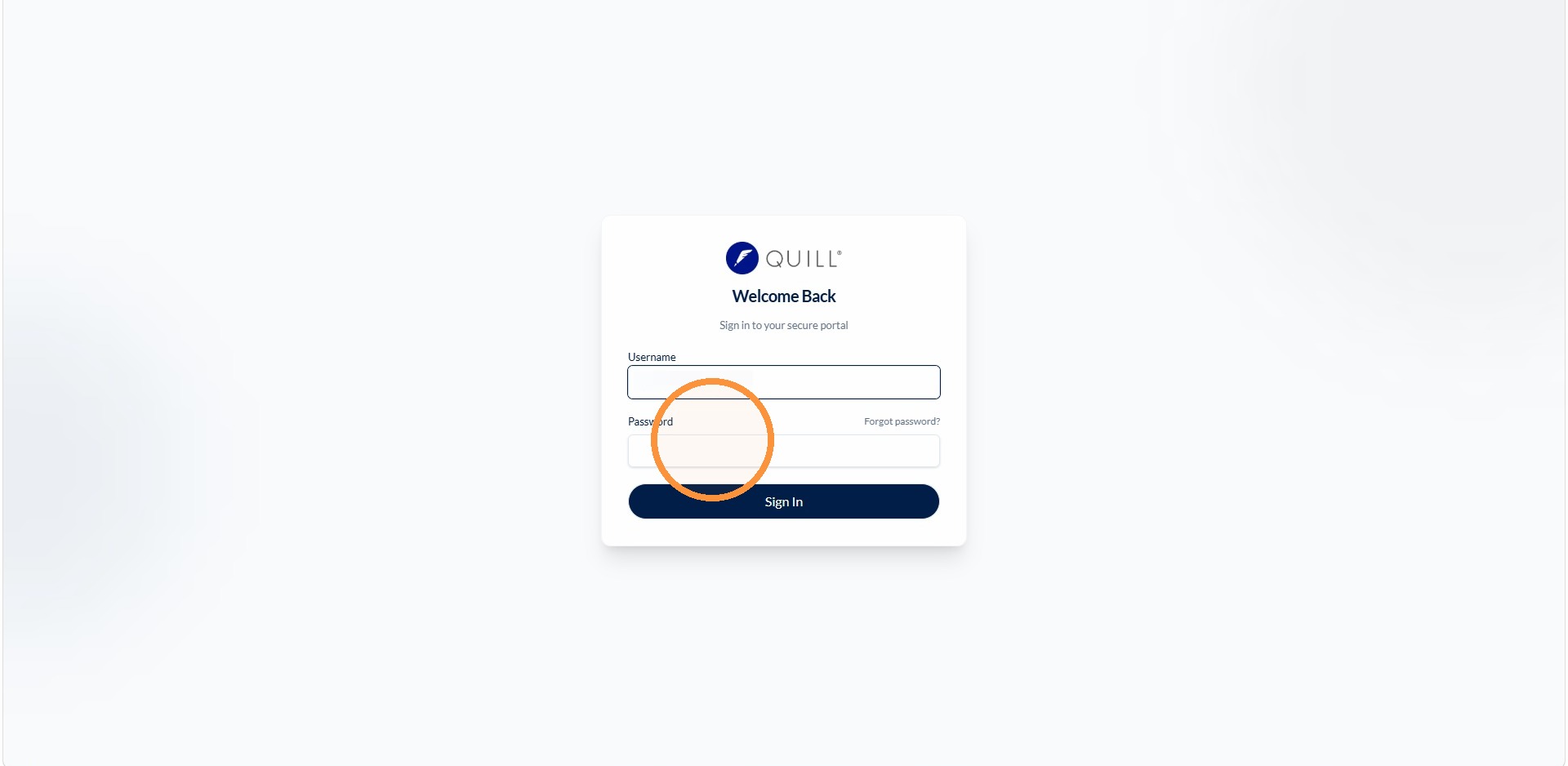
Click the Password field and enter your password.
Step 7 of 10
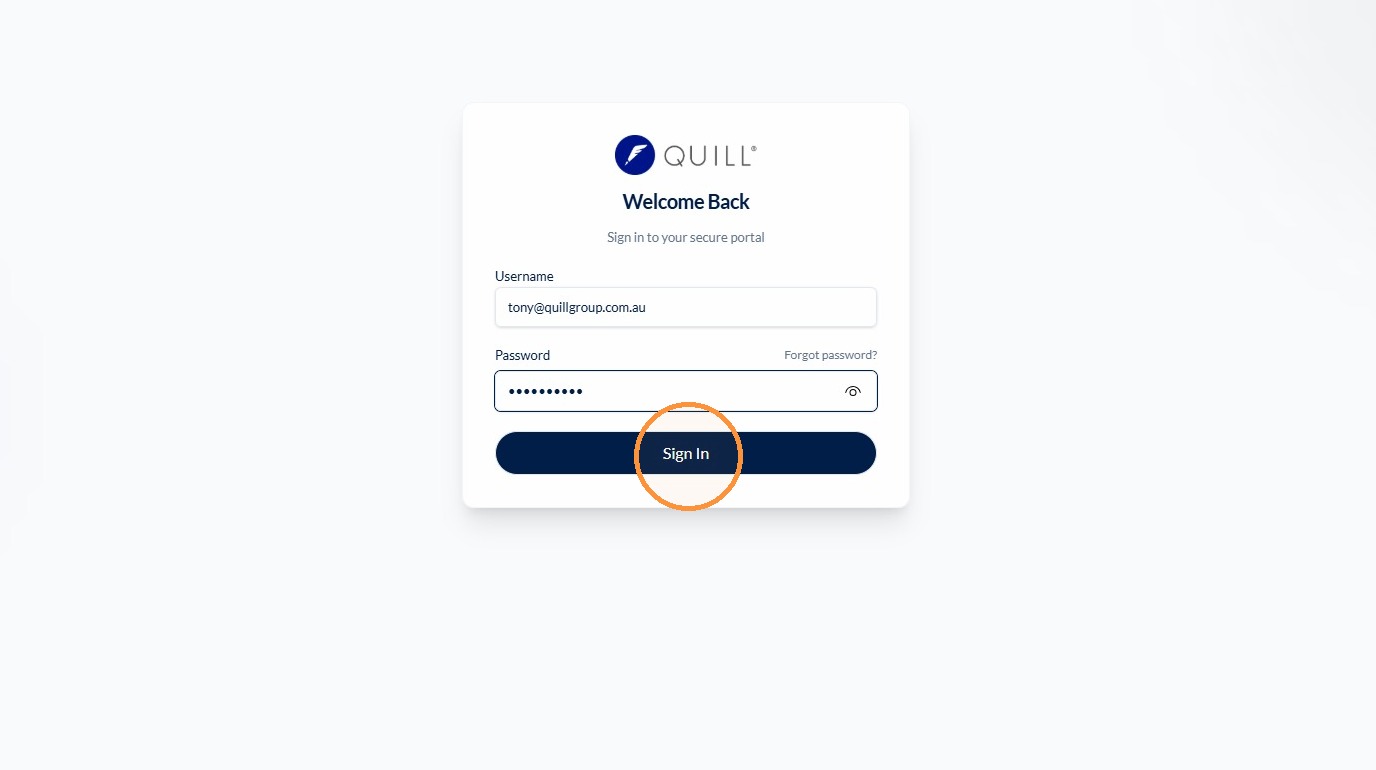
Click Sign In.
Step 8 of 10
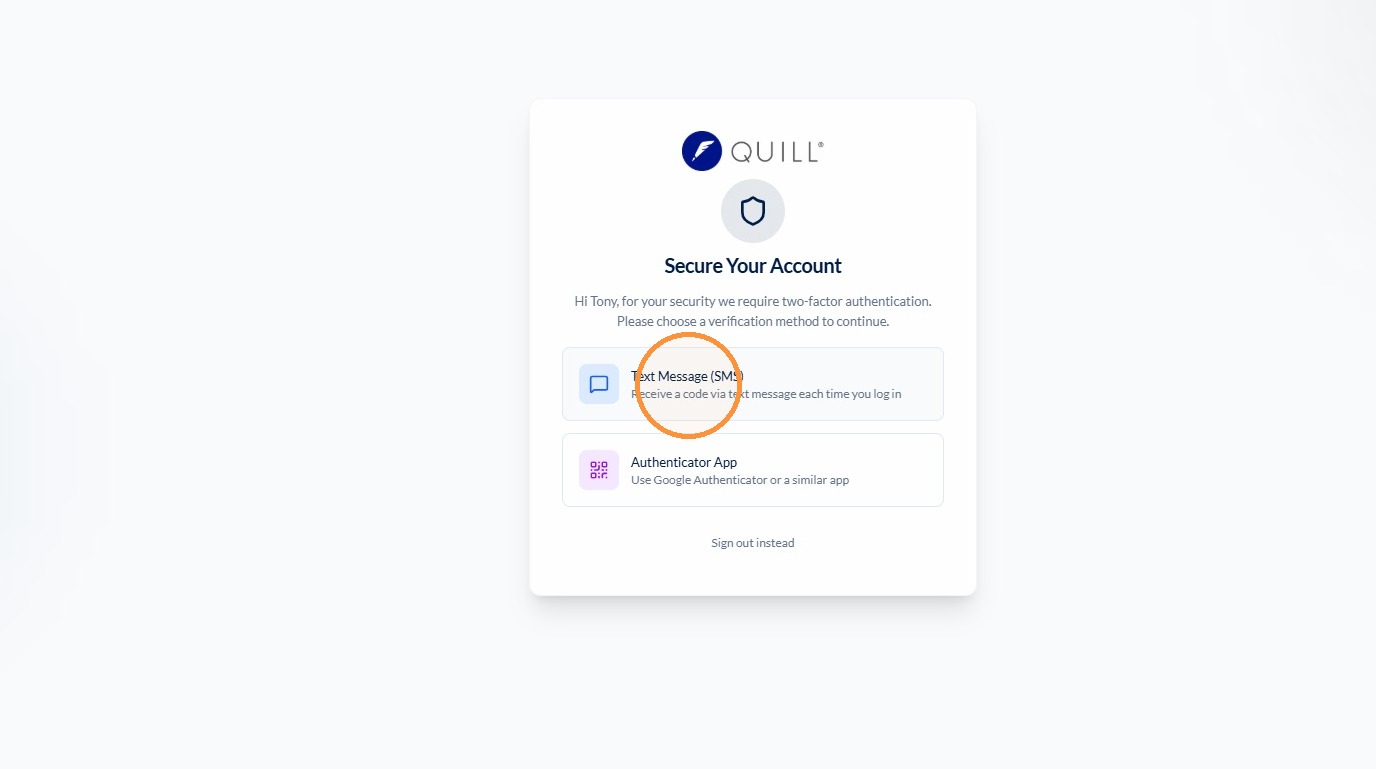
You will be asked to select your preferred Two Factor Authentication method (Text Message / SMS is the most popular).
Step 9 of 10
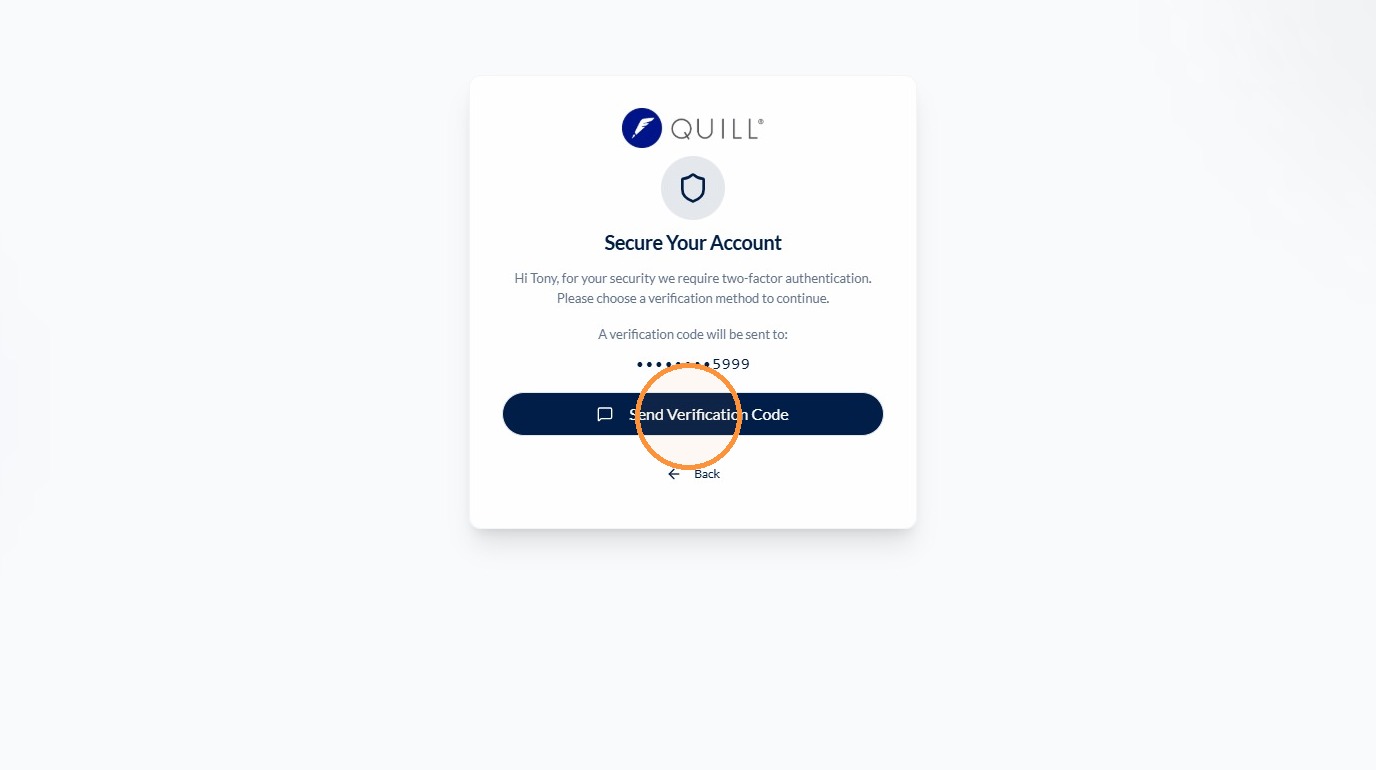
Click Send Verification Code.
Step 10 of 10
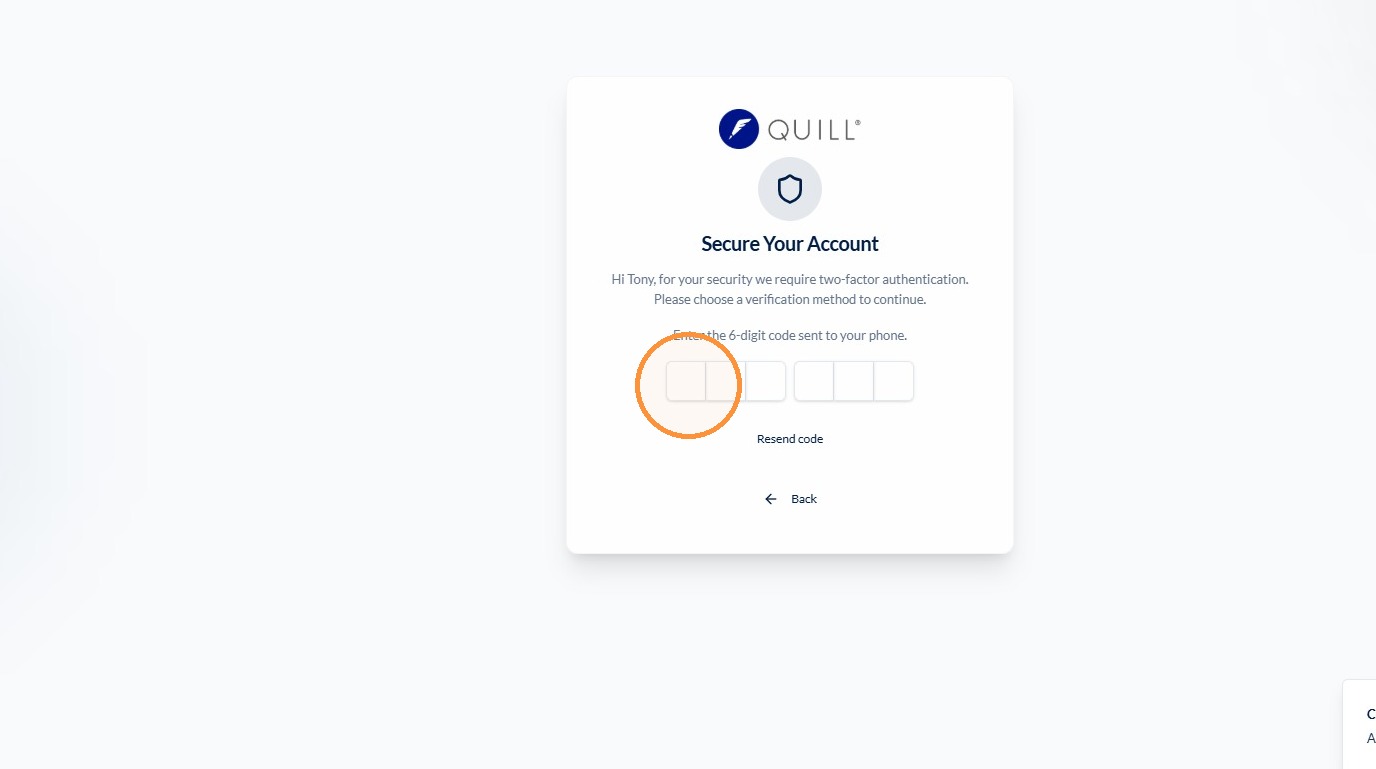
Enter the verification code from the text message.